What image size and format do I need so my stickers print cleanly at a print shop
Print-clean stickers need the right size and format: high resolution, PNG with transparency or RGB JPEG, and enough padding. Exact specs and FAQs here.
Short answer
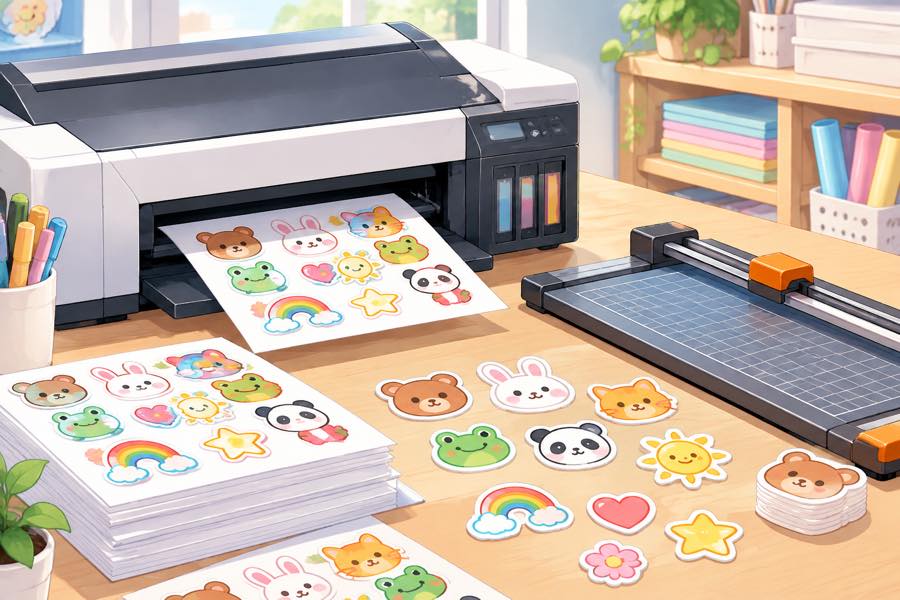
Give the print shop a high-resolution file: 300 DPI at final size, PNG with transparency for die-cut stickers, or a clean RGB JPEG for rectangular ones. Leave 2-3 mm padding past the cut line, and keep important content inside the safe zone. That combination prints cleanly almost every time.
The numbers that matter
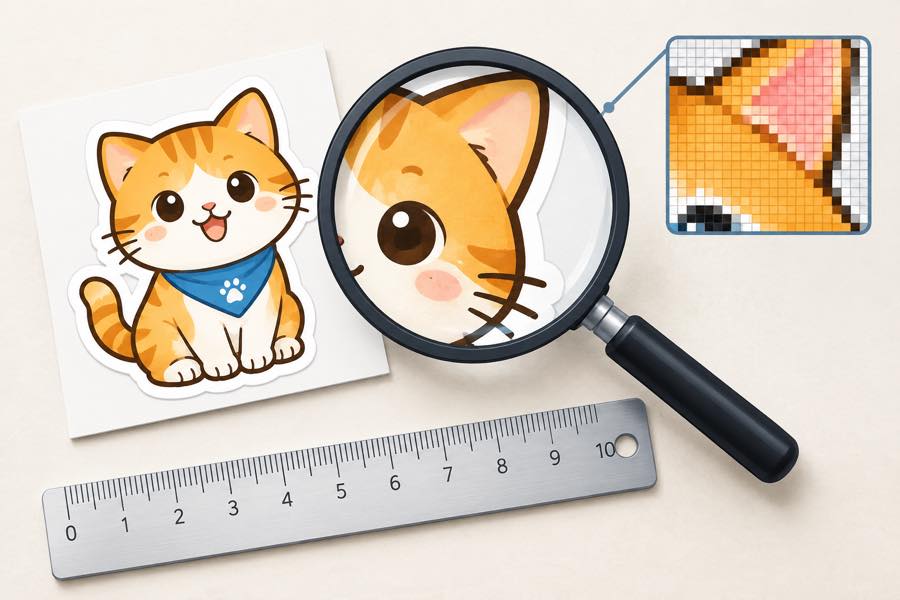
- Resolution: 300 DPI at printed size. A 3-inch sticker = about 900x900 px; a 5-inch = 1500x1500 px.
- Format: PNG with alpha for die-cut; PNG or quality-90+ JPEG for full-bleed rectangles.
- Color: RGB is fine for digital print; ask for CMYK if the shop uses offset.
- Margin: 2-3 mm bleed beyond the cut line, with text inside a 3-5 mm safe zone.
How to check your file before sending
- Zoom to 100%. If edges look soft at full size, the resolution is too low.
- Check the alpha. For die-cut, make sure transparency is real, not a white fill.
- Export fresh. Don't re-save a JPEG repeatedly — it degrades. Export once from the source.
FAQ
What resolution do stickers need?
300 DPI at final size minimum. Scale your pixel dimensions to the printed inches.
PNG or JPEG for print?
PNG with transparency for die-cut; PNG or high-quality JPEG otherwise. Never GIF, never a heavily compressed JPEG.
What about the color?
RGB suits digital printing. For offset, the shop will ask for CMYK. Calibrate from the source file.
How much padding should I leave?
2-3 mm past the cut line, and keep key content a few mm inside the safe zone.