
Are There Free Alternatives to Paid Sticker Apps for Making Custom Stickers on iPhone?
A free web tool plus the iPhone's built-in sticker drawer covers most custom sticker needs. What iOS does itself, what to check before trusting a free tool, and how to get the PNG into iMessage.
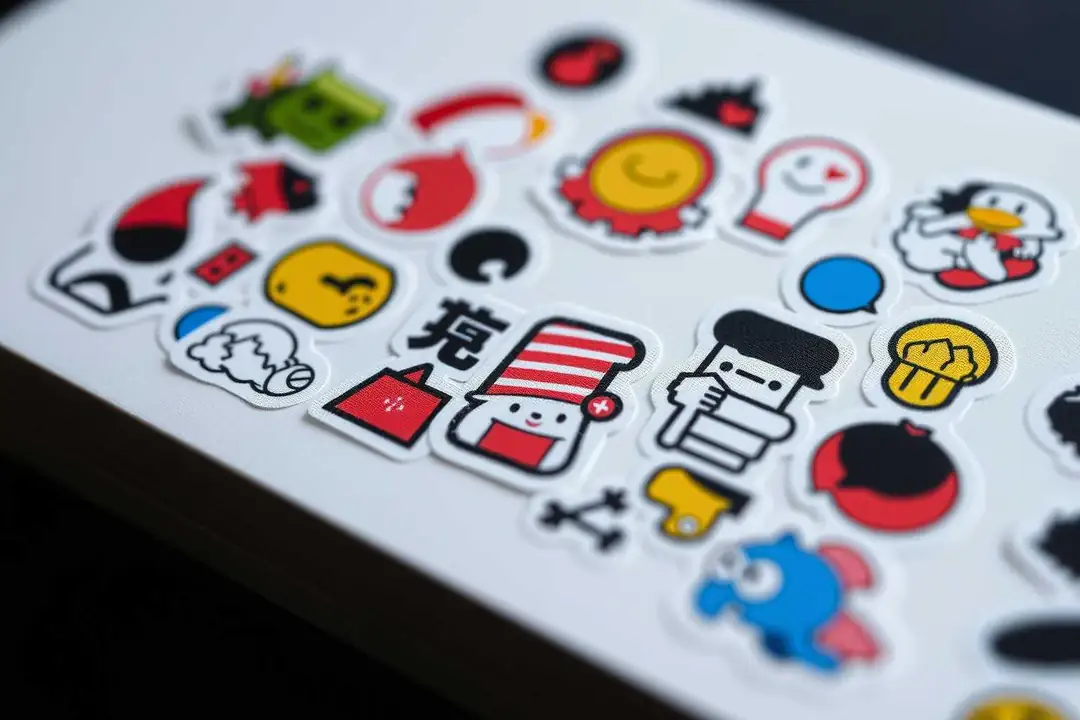
Yes — a free web tool plus the iPhone's built-in sticker drawer covers most custom sticker needs, and the result is the same transparent PNG a paid app sells you. The trade-offs are watermarks, forced accounts, and export limits, so pick the tool by its export rules, not its marketing.
Why do paid sticker apps exist if free options work?
Convenience and polish. Paid apps bundle background removal, a library, and drag-onto-iMessage in one place. What you are paying for is the packaging. The underlying output — a PNG with a transparent background — is the same file a free web tool produces.
What can my iPhone do on its own, for free?
More than you expect. Photos crops to square, the built-in markup tool can trace around a subject, and Long-press a photo, then Add Sticker, and iOS turns it into an iMessage sticker. That covers simple shapes. It struggles with busy backgrounds and fine detail like hair.
Is there a free web tool that removes the background for me?
Yes. Upload the photo, let the tool cut out the subject, and download a transparent PNG. Our guide on turning a blurry pet photo into a cartoon sticker shows the whole flow with a real example.
Do free tools leave a watermark?
Some do, and that is the main catch. A watermark on a sticker is useless because it shows on every message. Check the tool's export before committing — no watermark and no forced account are the two things to verify first.
How do I get a free sticker onto my iPhone?
Download the transparent PNG, then open it in Photos. Long-press the subject and choose Add Sticker. iOS keeps it in your sticker drawer for iMessage. For animated stickers you need a different path, but for a still image this is it.
Do I need a subscription for good quality?
No. Quality depends on the cut, not the price. A clean subject on a plain background cuts well in a free tool; a low-contrast photo cuts badly everywhere, paid or free. Start with the free route and upgrade only if the cut keeps failing.
What should I avoid in a free sticker app?
Four things: watermarks, forced sign-up, export size limits, and apps that sell your photos. A tool that lets you download the transparent PNG directly and keeps your image off a server is the pattern you want.
What about animated stickers?
That is a separate category. Free still-image tools do not animate. If you specifically need motion, look for a tool that accepts a short video and exports a looping sticker — and expect the quality bar to be lower than still-image cutouts.
Want to make one now? Open the sticker maker, drop in a photo, and export the transparent PNG.