Can I Turn a Blurry Pet Photo Into a Cartoon Sticker?
Blur is rarely the dealbreaker: cartoon conversion redraws the image. What to fix in the photo first, how much blur is too much, and how to get a transparent sticker.
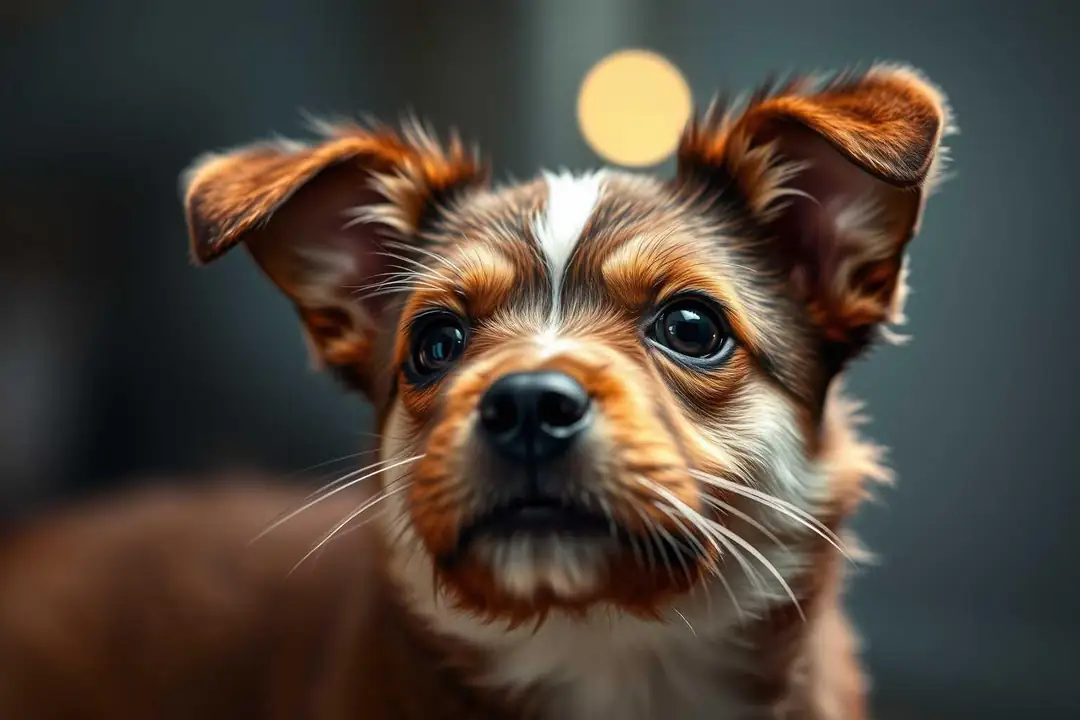
Short answer: yes, blur is rarely the dealbreaker people expect it to be. Cartoon conversion redraws the image, so a soft photo becomes a clean sticker instead of a sharper copy of the blur — as long as the features are still readable. Fix the input, not the settings.
The rest is about what to fix before you hit convert.
Can a blurry pet photo become a cartoon sticker?
Usually yes. Cartoon conversion redraws the image rather than copying it, so a soft photo turns into a clean vector-style sticker instead of a sharper version of the blur. The face still needs to be recognizable — good lighting and a straight-on angle help more than resolution does.
Why does my sticker come out looking nothing like the pet?
The two biggest causes are heavy blur that hides the features and a busy background confusing the converter. Fix the input, not the settings: pick the sharpest frame, crop close to the face, and remove clutter behind the pet before converting.
How much blur is too much for a sticker?
If you can still see the eyes and the outline of the ears, it is usable. If the face reads as a smudge at thumbnail size, no converter will save it. Zoom in on the photo: the features you can name, the tool can usually rebuild.
What settings fix a blurry input?
Raise the cartoon detail level if the tool offers it, choose a style with stronger outlines, and keep the background removal on. Strong outlines hide soft edges, and a clean transparent background removes the blurry surroundings entirely.
Should I sharpen the photo before converting?
Light sharpening helps; heavy sharpening adds noise that the cartoon pass amplifies. One pass of a mild sharpen filter is enough. Do not upscale first — upscaling a blurry photo just makes a larger blurry photo.
What makes a photo convert well into a sticker overall?
Three things: the pet's face fills most of the frame, the lighting is even, and there is a plain background. A well-framed photo of an average pet converts better than a perfect photo of a pet standing far away in clutter.
Can I get a transparent sticker from a blurry photo?
Yes — the background removal runs separately from the cartoon pass, so a blurry background cuts out cleanly. What matters for the final sticker is that the pet outline is distinct from the background; soft edges there will show as a fuzzy border.
Is there a free tool that does this?
Yes. A photo-to-sticker generator handles the crop, cartoon conversion, and transparent background in one step. Feed it the sharpest frame you have, and it will come out looking like a designed sticker rather than a filtered photo.
Ready to try it on your own photo? Turn a pet photo into a sticker here, and pick the sharpest frame you have.