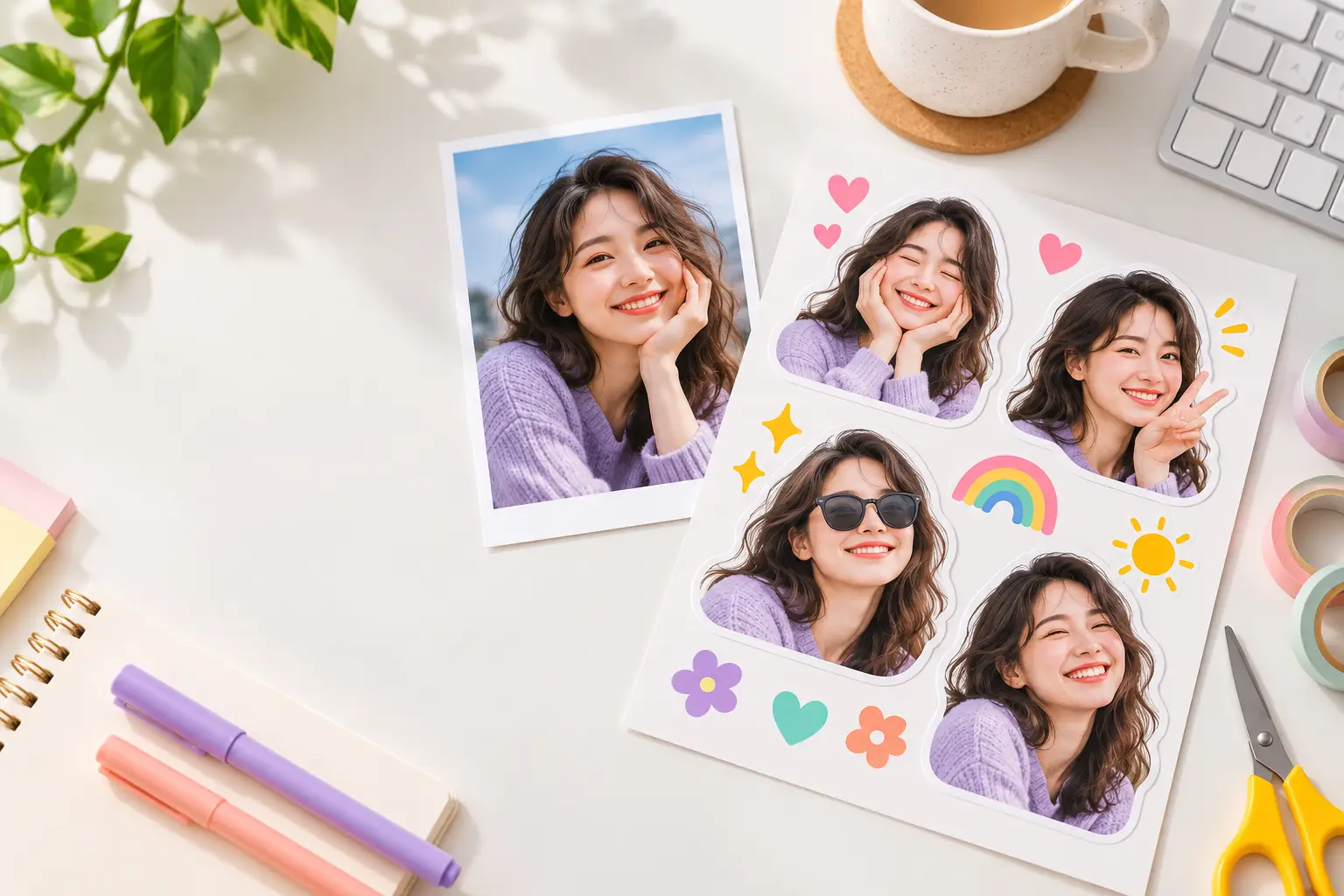
Is it safe to upload personal or family photos to a free online sticker maker?
Use this checklist before uploading personal photos to a sticker maker: consent, retention, training, third parties, deletion, and local copies.
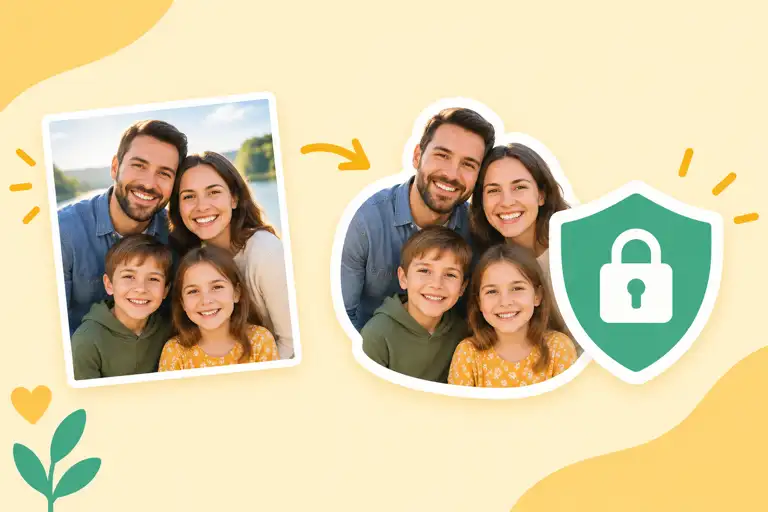
How can you assess an online sticker maker before uploading a personal photo?
A free sticker maker can be convenient, but the image still leaves your device if the service processes it remotely. The right question is not whether the page is free; it is what happens to the original photo, the cutout, and the result after you download it.
Use a low-risk test image first. Read the privacy page, check the upload controls, and avoid sending a family photo or client asset until the service’s handling terms are clear.
Questions readers usually ask
Do I need consent from people in the photo?
Yes. If the photo includes another person, make sure you have a reasonable basis to upload and transform it. A sticker is a new derivative image, but that does not remove the privacy or consent considerations around the source.
What retention language matters most?
Look for how long the original and generated sticker are stored, whether deletion is automatic, and whether backups are excluded. A policy that only says “we protect your data” does not answer the retention question.
Can the service use photos to train models?
Search for model training, service improvement, human review, and third-party processing. If the policy gives the service a broad licence to use uploads, do not send personal or commercially sensitive images.
Should I remove metadata before upload?
Yes when the workflow permits it. Remove GPS, device identifiers, and other EXIF fields from a copy. Also crop out addresses, badges, documents, and anything visible in the background that the sticker does not need.
How should I download and keep the result?
Download the PNG to a folder you control and close the session when finished. Do not assume a public share URL is private. If the tool offers deletion, use it for the source upload after confirming the result is saved.
What is the safest first image to use?
Use a public-domain image, a synthetic avatar, or a photo with no faces and no identifying background. This lets you judge the cutout quality without exposing someone else’s personal data.
Try the focused workflow.
Review the policy before using Create Sticker from Photo, and start with a non-sensitive test image when the retention terms are not explicit.