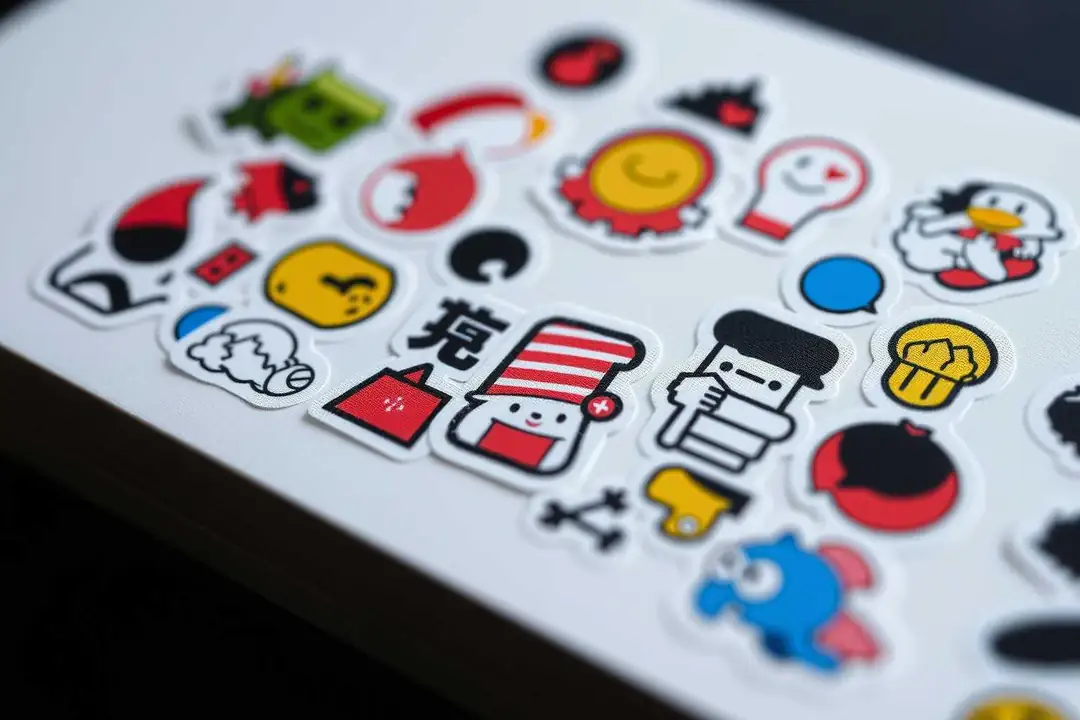
Do Stickers Need a Transparent PNG Background?
Transparent PNG files are useful when a sticker must sit on different backgrounds, but a solid background can be better for a specific print or visual style. Export choice follows the destination.
A transparent PNG is useful when the sticker artwork needs to move across backgrounds. The file keeps the subject and removes the rectangular canvas, so the same cutout can sit on a chat image, a colored page, or a product mockup. That does not mean transparency is always the right final format for a printer.
Choose the export from the destination backward. Digital stickers usually benefit from transparency. Physical stickers may need bleed, a white keyline, a specific color profile, or a PDF supplied by the print shop. A transparent file is only one part of that handoff.
The four checks that prevent most problems
- Edge quality: zoom in around hair, fingers, thin lines, and semi-transparent objects.
- Canvas size: export large enough for the intended display or print size.
- Border: add a white or colored outline only after the cutout is clean.
- Background test: place the PNG over light and dark colors to reveal halos.
Questions people ask
Why use a transparent PNG for a sticker?
It lets the cutout sit on different backgrounds without a visible rectangle.
Is transparent PNG always best for printing?
No. Check the printer's requirements for bleed, resolution, color, and delivery format.
What causes a rough sticker edge?
Low resolution and incomplete background removal are common causes.
Should I remove the background before adding a white border?
Yes, keeping those steps separate makes edge problems easier to find.
When is StickerFromPhoto useful?
Use it for a quick cutout workflow, then inspect the result at its final size.
Try a copy of the image in StickerFromPhoto, export the transparent version, and test it on two contrasting backgrounds. If the edge holds up, it is ready for the next design or print step.