How to Turn a Photo into a Sticker for Free (2026)
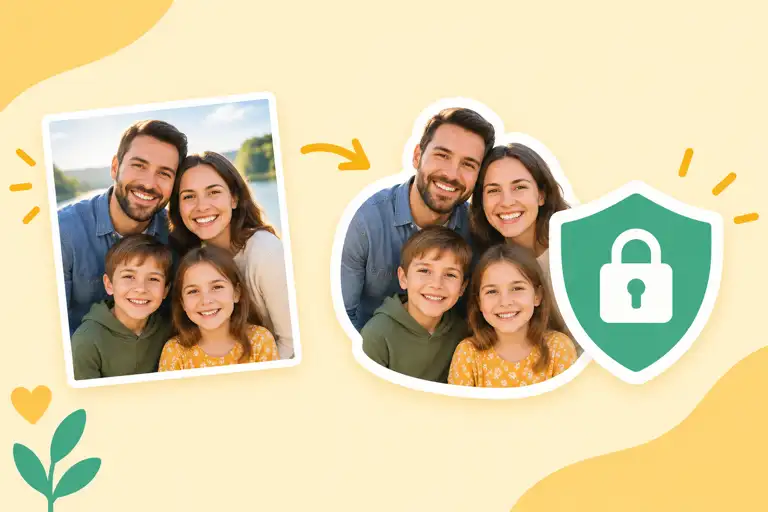
Turn any photo into a PNG sticker without paying: upload, let the tool cut out the subject, tidy the edge, download, and drop it into WhatsApp or Telegram. This guide covers the full flow and the edge cases that usually trip people up.
What you need before you start
A clear photo and a sticker maker that can cut out the subject. The whole flow is: upload the picture, let the tool separate the subject from the background, adjust the edge if needed, download the PNG, and import it into your messaging app. No signup required on most tools, and no payment involved.
Step-by-step: photo to sticker
1. Pick a photo with a clean subject.
Good results start at the source. A subject that contrasts with its background cuts out cleanly; a subject blending into the background leaves messy edges. Pet close-ups, product shots, and selfies with plain walls are ideal.
2. Upload and let the tool cut the background.
Most makers auto-remove the background in a second or two. You will see the subject on a transparent or checkerboard background when it works.
3. Tidy the edge.
Look for stray background chunks, especially around hair, fur, and glasses. Add or remove a bit of edge where the tool guessed wrong, then zoom in to check the outline at 200%.
4. Export as PNG.
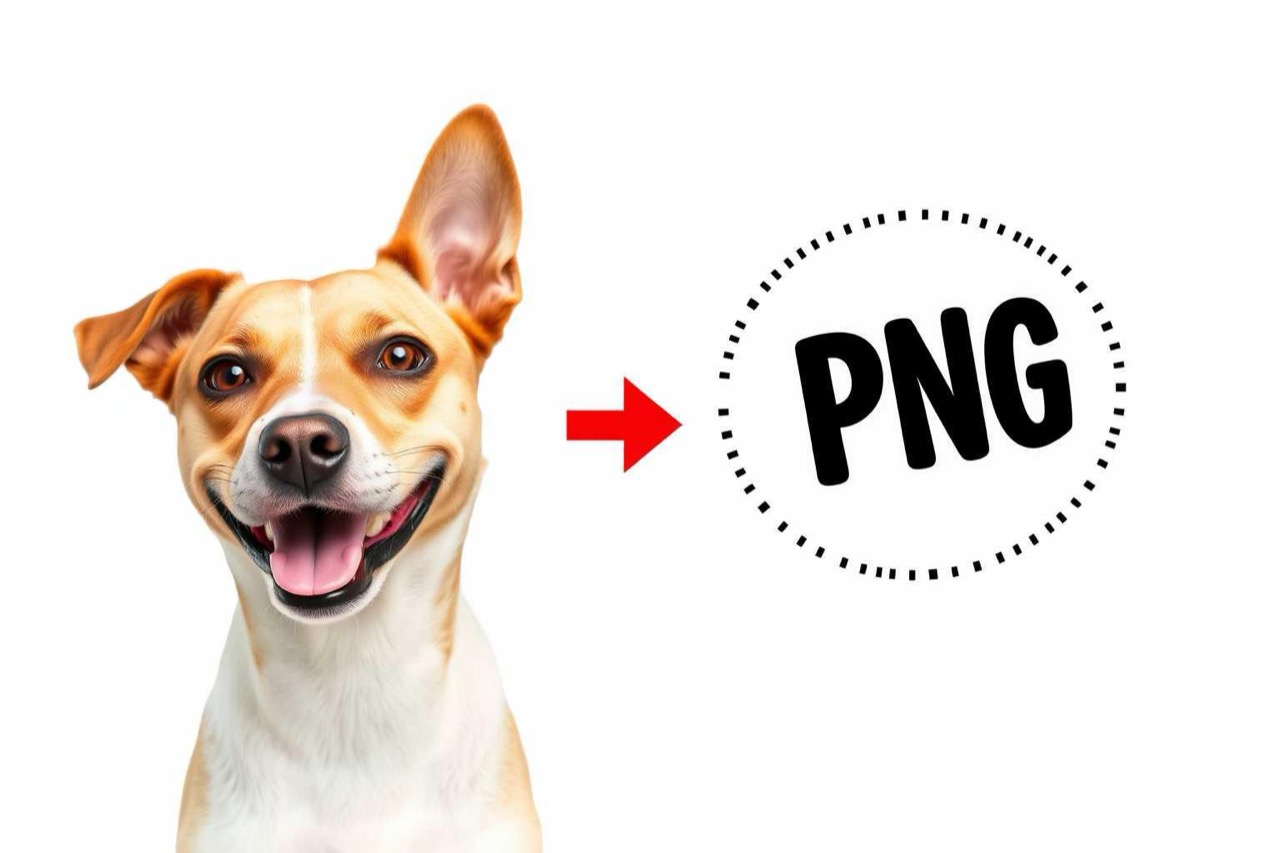
PNG keeps the transparency that makes a sticker look like a sticker. JPG flattens the background into white or black, so avoid it unless your tool exports only that.
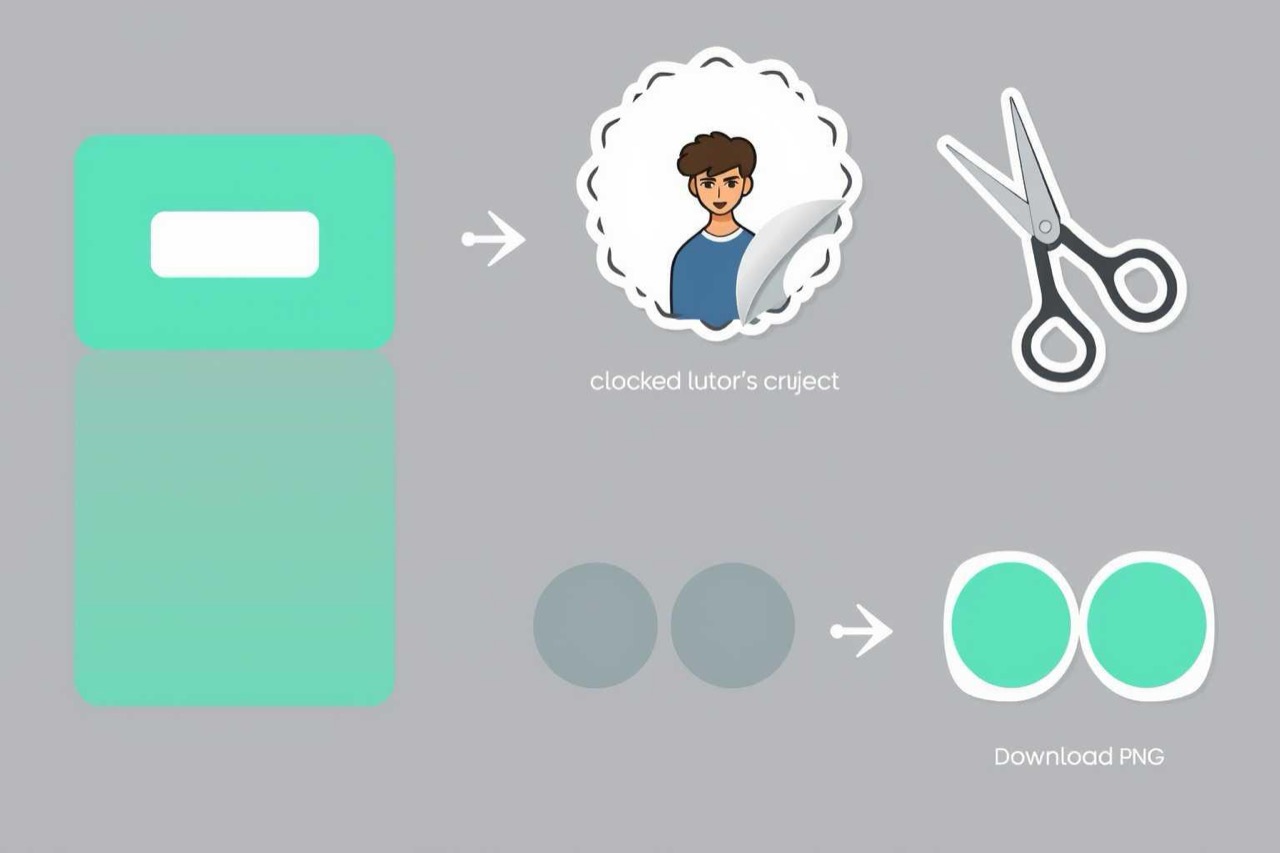
5. Add it to your messaging app.
WhatsApp and Telegram both let you add PNG images as stickers. In WhatsApp, open the sticker tray and tap add; in Telegram, send the PNG to Stickers bot or use the sticker creation flow in settings. If the app refuses the file, check that the PNG has a transparent background and a reasonable resolution.
What to do about tricky photos
Hair and fur are the classic pain point: automatic cutouts leave halos. Zoom in and manually erase the leftover background. Group photos cut out every person at once, which is fine if you want a group sticker and a disaster if you only wanted one face, crop first. Busy backgrounds confuse the tool; a quick crop around the subject before uploading helps a lot.
Common questions
Can I make a sticker pack from several photos?
Yes. Build each sticker the same way and add them one by one in your messaging app to form a pack.
Will a low-resolution photo make a bad sticker?
Usually. Small images scale up blurry. Start with a photo at least 800px on the short side.
Is the result free to use?
Personal stickers, yes. If you plan to sell sticker packs, check the tool's terms and make sure you own the rights to the photo.
Why is my sticker showing a white box in chat?
The file is probably JPG or the background was not actually removed. Re-export as a transparent PNG.