How to Make Telegram Stickers From Your Own Photos: A Step-by-Step Guide
Turn your own photos into Telegram stickers in five steps — pick, crop, convert, export 512x512 PNG, and upload the pack.
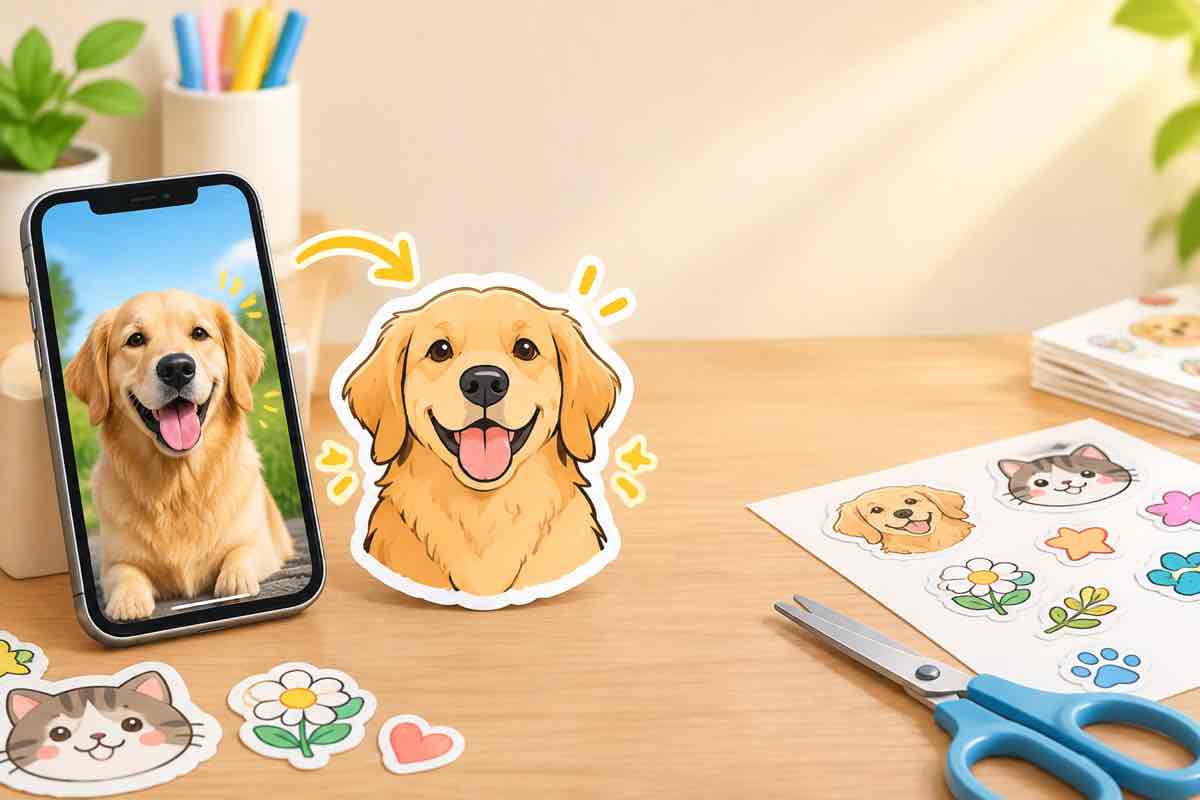
Making a Telegram sticker from your own photo is a five-minute job once you know the format rules. The tool does the conversion; your job is feeding it a photo that converts well. Here's the whole flow, from photo to pack.
The format rules matter more than the tool
Telegram stickers are a strict spec: 512x512 pixels, PNG, transparent background. If your file hits those three things, it will upload without a fight. Everything else is about making it look good at that small size.
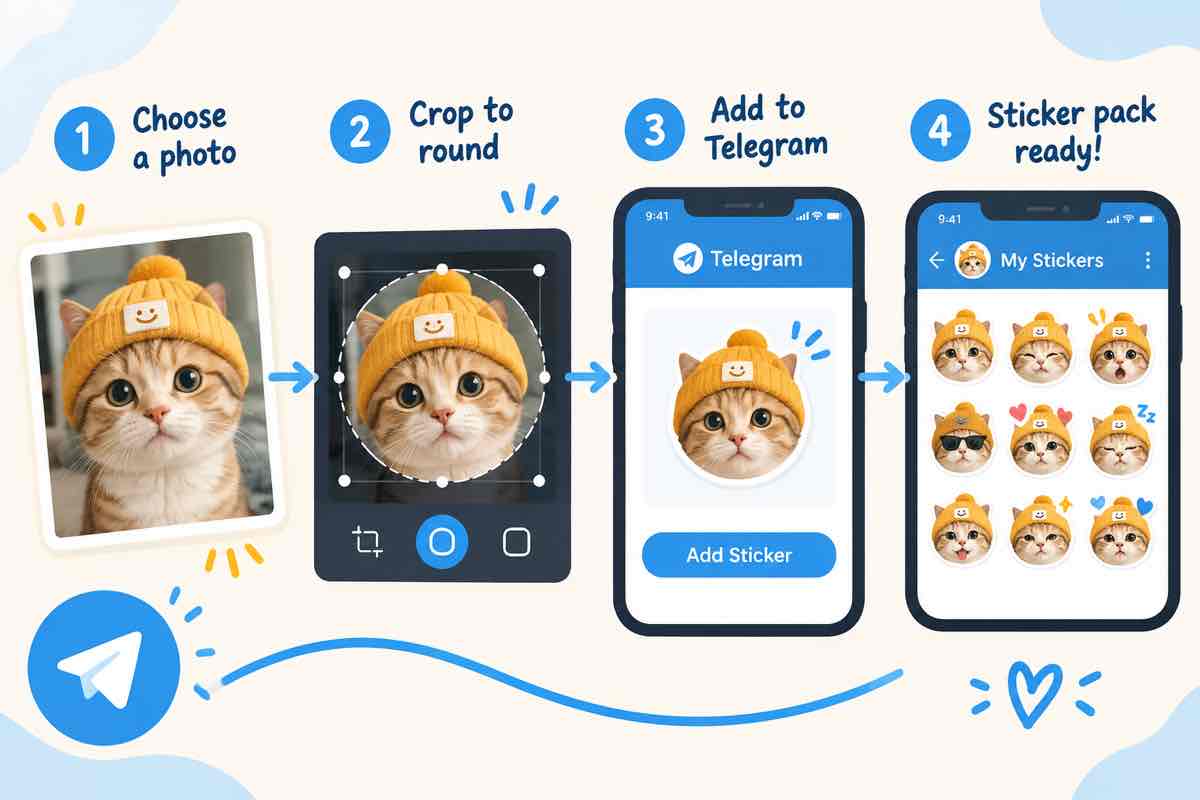
Step by step
Step 1. Pick a clear head-and-shoulders photo
Plain background, face centered, good lighting. Busy backgrounds get messy at sticker size.
Step 2. Crop to the subject
Cut tight around the head and shoulders so the face fills the canvas. More face, better sticker.
Step 3. Convert with the tool
The photo-to-sticker converter handles background removal and outlines in one pass.
Step 4. Export as PNG with transparency
512x512 with a transparent background. The converter outputs exactly this format.
Step 5. Upload to Telegram
Create a new sticker pack in Telegram, attach your PNGs, and give the pack a name and icon.
Common mistakes to skip
- Cropping too loose. A tiny face reads as nothing at sticker size.
- Busy backgrounds. The converter removes backgrounds, but a messy one leaves artifacts.
- Wrong export size. Stray from 512x512 and Telegram will resize it unpredictably.
Turn a photo into a sticker in seconds with the StickerFromPhoto maker, then drop the PNG straight into Telegram.
What photo makes the best sticker?
A head-and-shoulders shot with a plain background and even lighting. The expression should be readable at sticker size.
What size do stickers need to be?
512x512 pixels exactly, PNG with transparency. The converter targets that spec.
Do stickers have to be square?
Yes. A circle design lives inside a square canvas with transparent corners.
How many stickers can I upload at once?
Up to 120 per pack. Start with 5-10 to test.
Can I share my sticker pack?
Yes, via the pack link. Monetizing is against Telegram's terms, so keep it personal or community use.