How to Make Stickers from Photos on iPhone: Best Apps in 2026
How to Make Stickers from Photos on iPhone: Best Apps in 2026
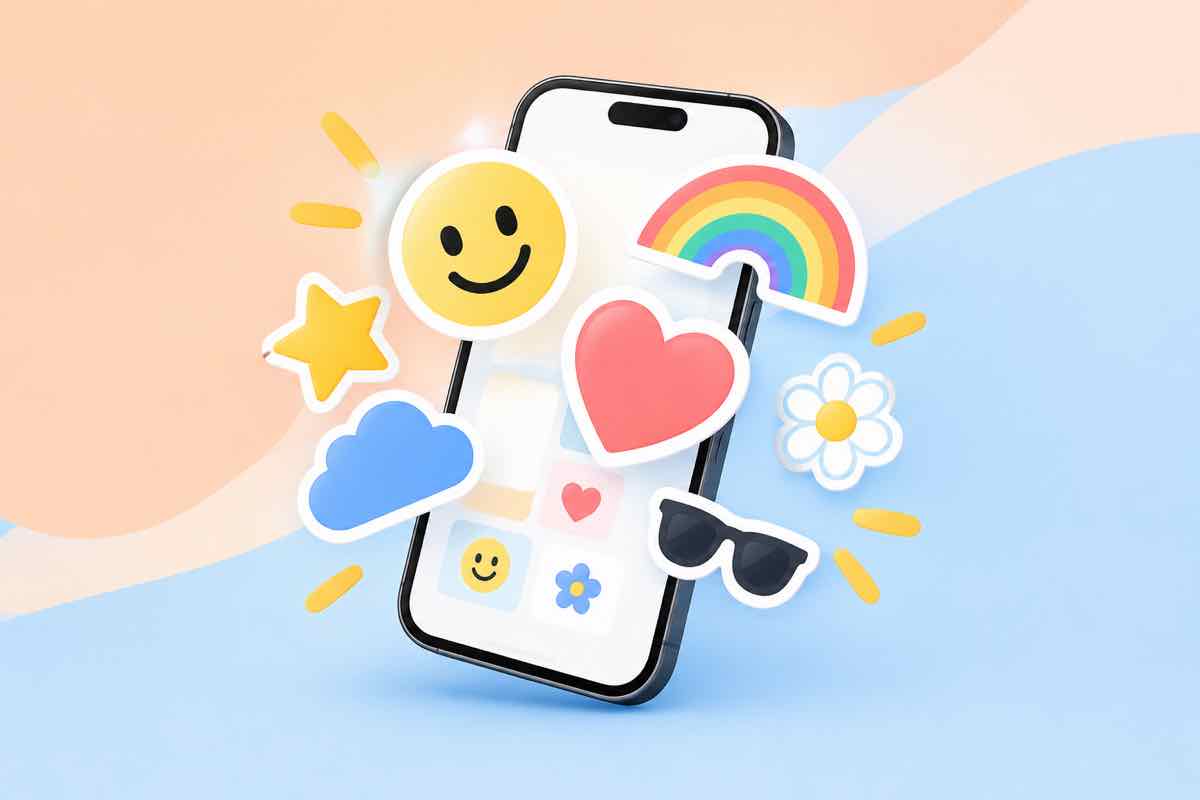
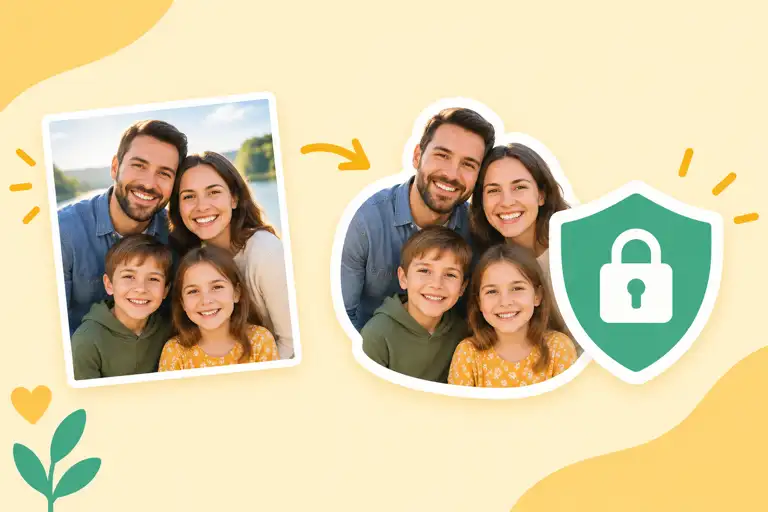
You don't need Photoshop to make stickers from photos on an iPhone—you need an app that cuts the subject, adds the outline, and exports the right size. Here's how the options compare.
Best sticker apps for iPhone: the comparison
| App | Price | Background removal | Best for |
|---|---|---|---|
| iOS built-in Messages | Free | Automatic, tap-and-hold | Quick stickers, no extras needed |
| Dedicated sticker maker (e.g., StickerFromPhoto) | Freemium | Automatic + edge touch-up | Outline styles, Telegram/WhatsApp export |
| Photo editor with sticker mode | Free with IAP | Automatic | Users already editing photos anyway |
What actually matters
- Export size. Telegram wants 512x512 transparent PNG; make sure the app does that.
- Edge quality. Hair and fur are the hard cases. Look for manual edge refinement.
- Outline control. The classic sticker look needs a white border—some apps add it, some don't.
Start with the built-in tool for a quick test. When you want control over outline and export, use a dedicated maker like StickerFromPhoto.
FAQ
Can I make stickers from photos directly on my iPhone?
Yes. Both the built-in Messages sticker feature and third-party apps do it. The built-in one is free but limited; dedicated apps add backgrounds, outlines, and sizes.
Is the iPhone built-in sticker maker enough?
For simple cutouts, yes. Tap and hold a subject in a photo, and iOS turns it into a sticker. You lose control over outline width, effects, and export size.
Which app is best for Telegram stickers specifically?
You want one that exports transparent PNG at 512x512. Most sticker apps default to that size; confirm the export settings before you generate.
Do these apps remove backgrounds automatically?
Yes, all of them use on-device or cloud segmentation. The difference is edge quality on hair and fur—the better apps let you touch up edges.
Are the best apps free?
The reliable ones are freemium: free for basic stickers, paid for packs, background templates, and batch export. Start free and upgrade only if you hit a real limit.