How to Make a Telegram Sticker Pack From Your Photos
Turn your own photos into a Telegram sticker pack. The process is simpler than you think — here's how to do it without design skills.
What You Need
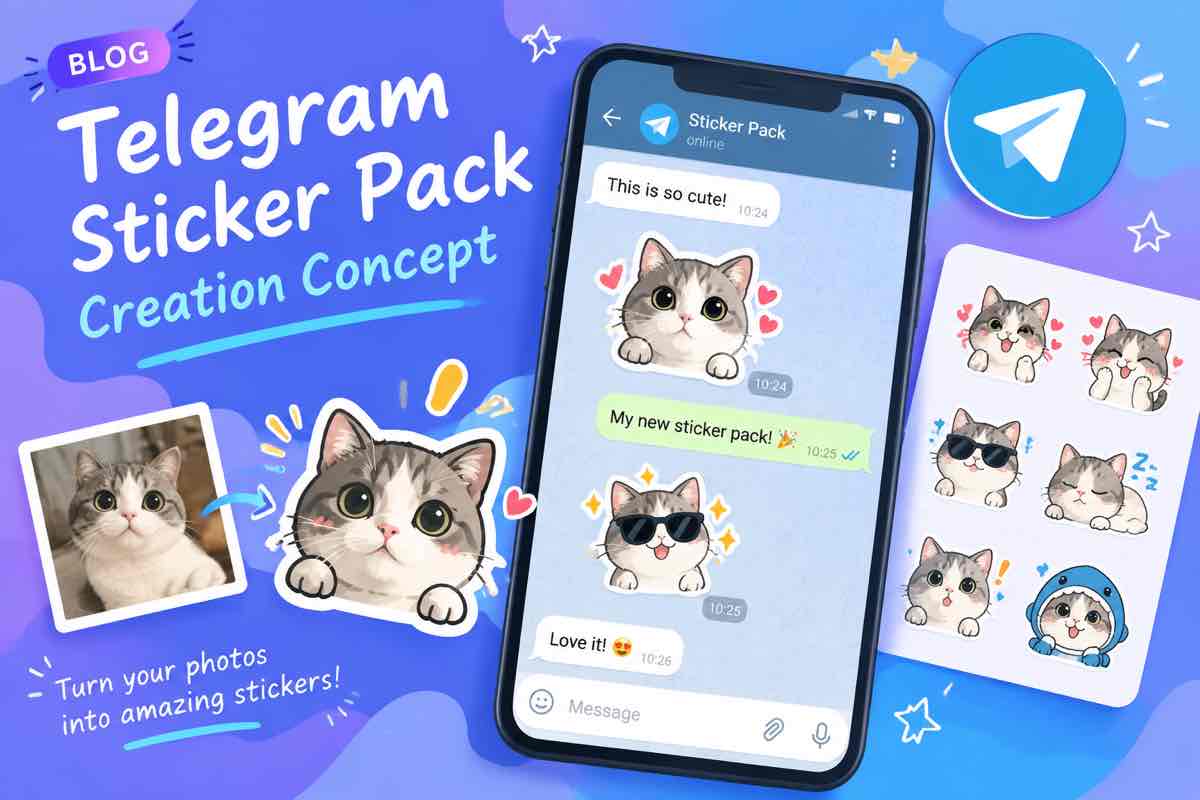
Telegram stickers are 512x512 PNG files with transparent backgrounds, up to 50 per pack. You can make them from photos, illustrations, or screenshots. No design degree required.
Step 1: Pick Your Photos
Stickers work best with a clear subject — a face, a pet, a funny moment. Crop tight. Telegram displays stickers small, so if your subject is tiny in the frame, people won't see it.
Step 2: Remove the Background
This is the step that makes or breaks a sticker. Use an online background remover to cut out the subject automatically. Touch up the edges if needed. The result needs to look clean on both light and dark chat backgrounds.
Step 3: Resize and Export
Make sure the final image is exactly 512x512 pixels, PNG format, under 500KB. Add a subtle outline if the subject has light edges — it helps the sticker show up on white chat backgrounds.
Step 4: Create the Pack
Open the Stickers bot in Telegram (@stickers), send /newpack, upload your files one by one, and assign emoji to each. Once published, anyone can find and use your pack.
The whole process takes about 15 minutes for a 10-sticker pack.