How do I turn a photo into a sticker without Photoshop or any design skills
How do I turn a photo into a sticker without Photoshop or any design skills
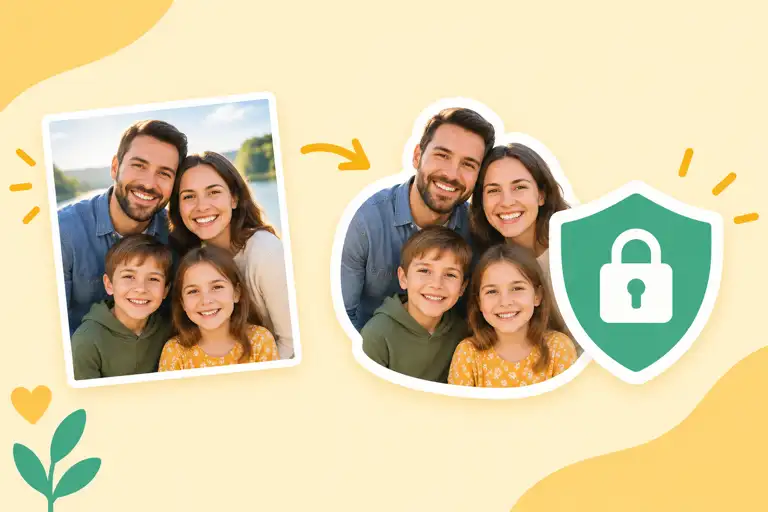
Making a sticker from a photo used to mean opening an editor and fighting with the lasso tool. Now the cutout, the white border, and the right export size happen automatically.
Turning a photo into a sticker
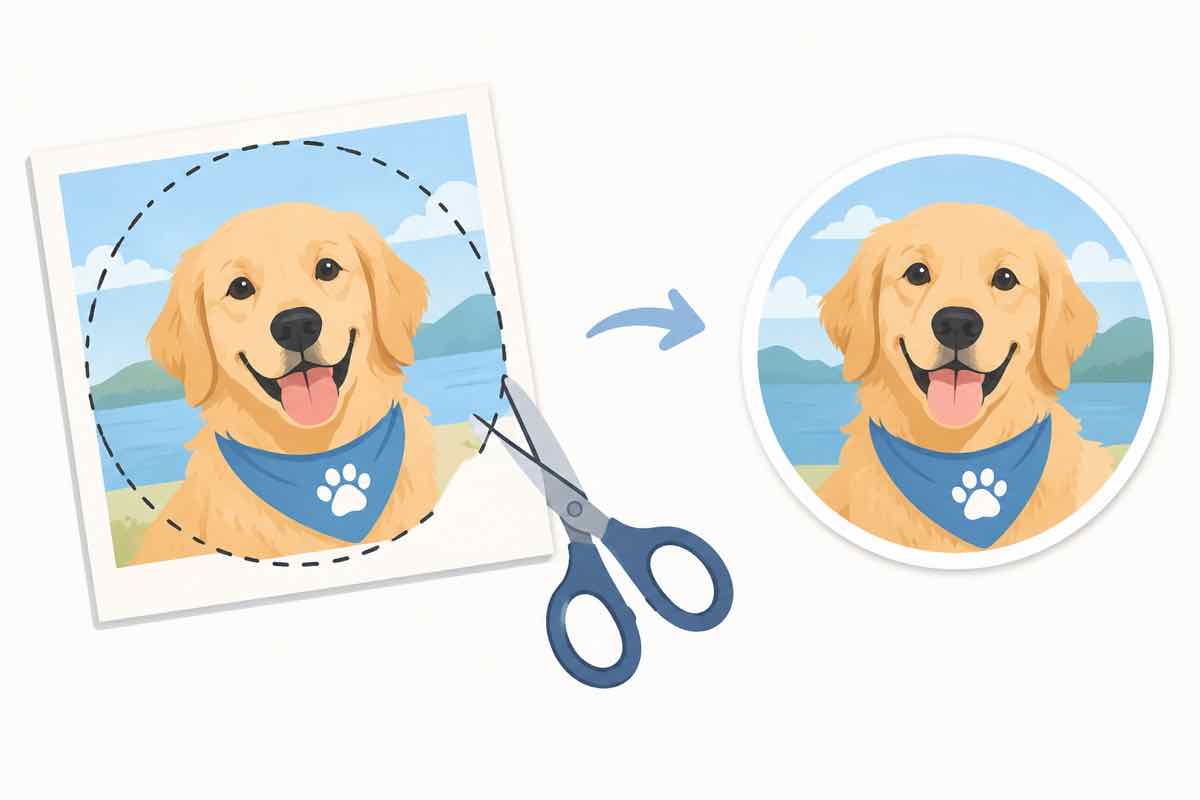
Upload the photo, let the tool remove the background, add the sticker outline, and export at 512x512 PNG. Paste it into Telegram or WhatsApp and you're done.
Photo stickers: common questions
FAQ
Can I make a sticker from a photo without Photoshop?
Yes. Online sticker makers handle the cutout, outline, and export for you. You upload a photo and get a transparent PNG with a white border—the classic sticker look.
What photo makes a good sticker?
A photo with one clear subject and a background that's reasonably distinct. Pets, faces, and simple objects cut out cleanly. Busy backgrounds need more cleanup.
How does automatic background removal work?
The tool uses an AI segmentation model to separate subject from background, then you can fine-tune edges if needed. It's not perfect on hair or fur, but it's close.
What format do I need for Telegram or WhatsApp stickers?
PNG with transparency, usually 512x512 for Telegram. Most makers export that exact size.
Do I need design skills?
No. The whole point is that the tool does the cutting and the sizing; you just pick the photo and hit export.
Turn any photo into a ready-to-use sticker with StickerFromPhoto—no Photoshop, no design skills, transparent PNG out.