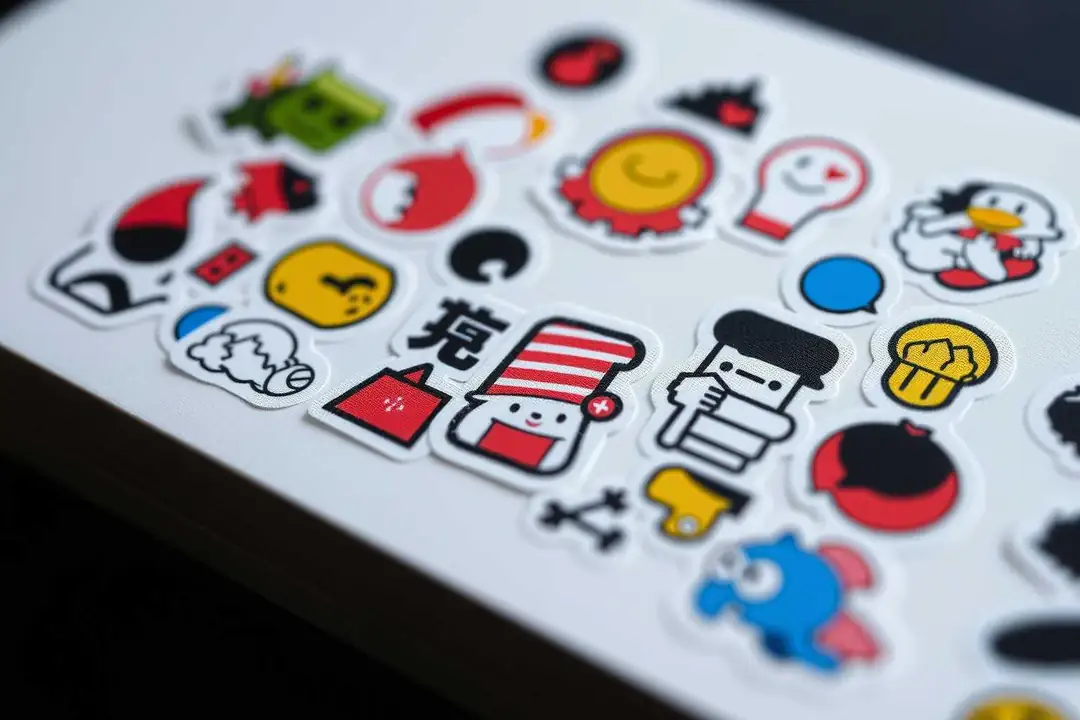
Can I make a whole WhatsApp or Telegram sticker pack without any design skills?
Yes — you can turn any photo into a complete WhatsApp or Telegram sticker pack in a few minutes, no design software required. This FAQ walks through the practical route and what to watch out for.
Short answer: yes, and you don't need Photoshop or any design background. A sticker pack is basically a folder of PNG files with transparent backgrounds, wrapped into one file your phone can import. The whole thing takes maybe ten minutes once you have a few source photos.
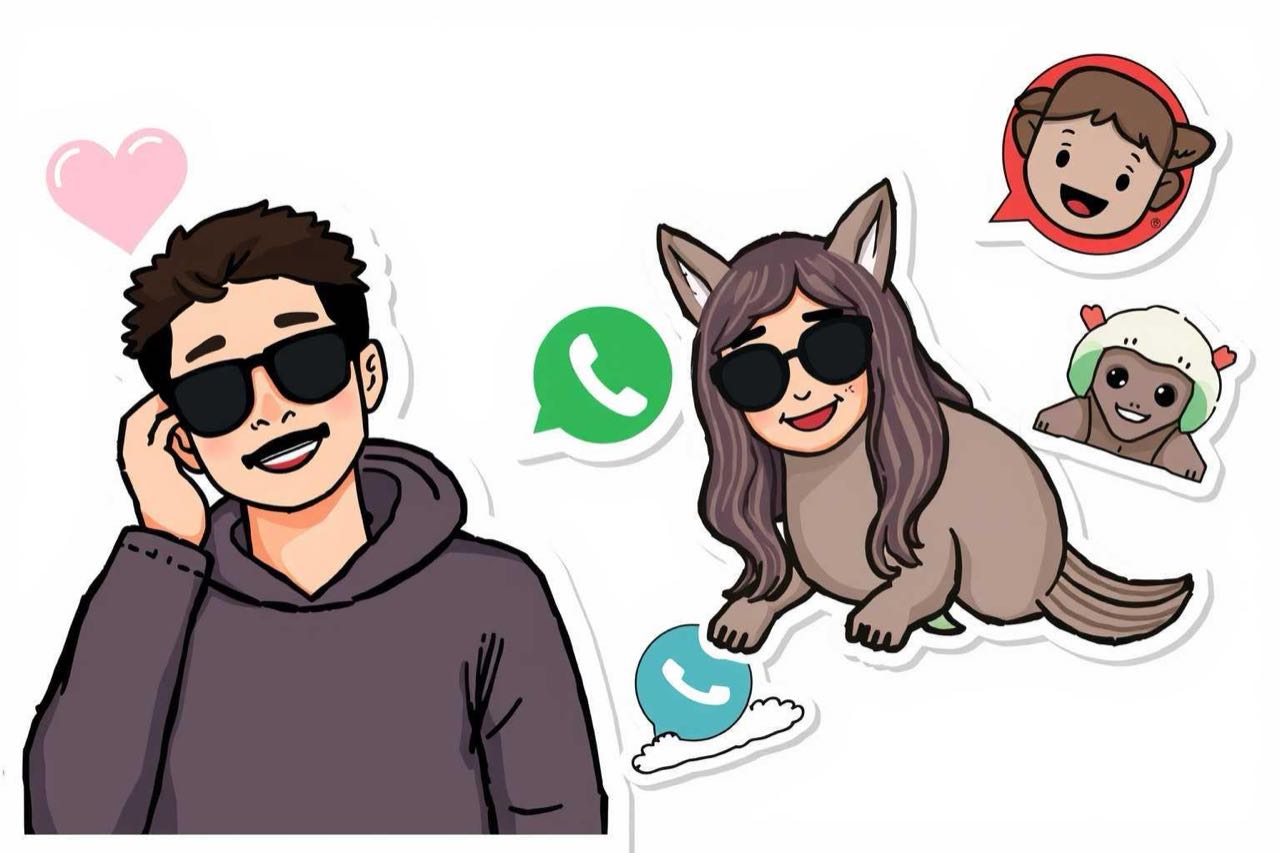
Can I really do it without any design skills?
Yes. The tools that matter here are all one-click: you pick a photo, the app cuts out the subject, removes the background, and exports a transparent PNG sized for stickers. You are not drawing anything by hand.
What format do WhatsApp and Telegram actually need?
WhatsApp wants a ZIP of PNG files with a tray icon plus a stickers folder; Telegram accepts individual PNGs with an Emoji field on each. Sizes matter: keep each sticker under 100 KB where you can, and use 512×512 as the safe sweet spot.
Do I need a transparent background?
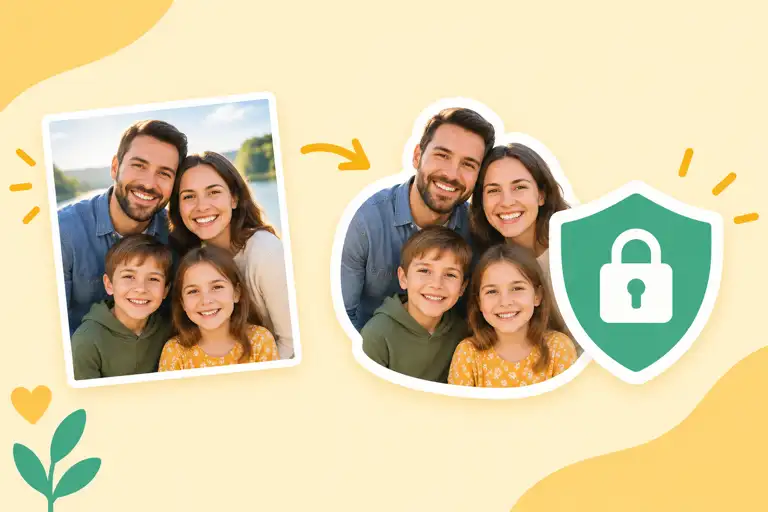
For real stickers, yes. A square photo with a white box around it looks wrong next to proper stickers. The automatic background removal in most photo-to-sticker tools handles this for you, but hair and glass edges are where it fumbles — expect to check the result before you commit.
Can I use photos of people or pets?
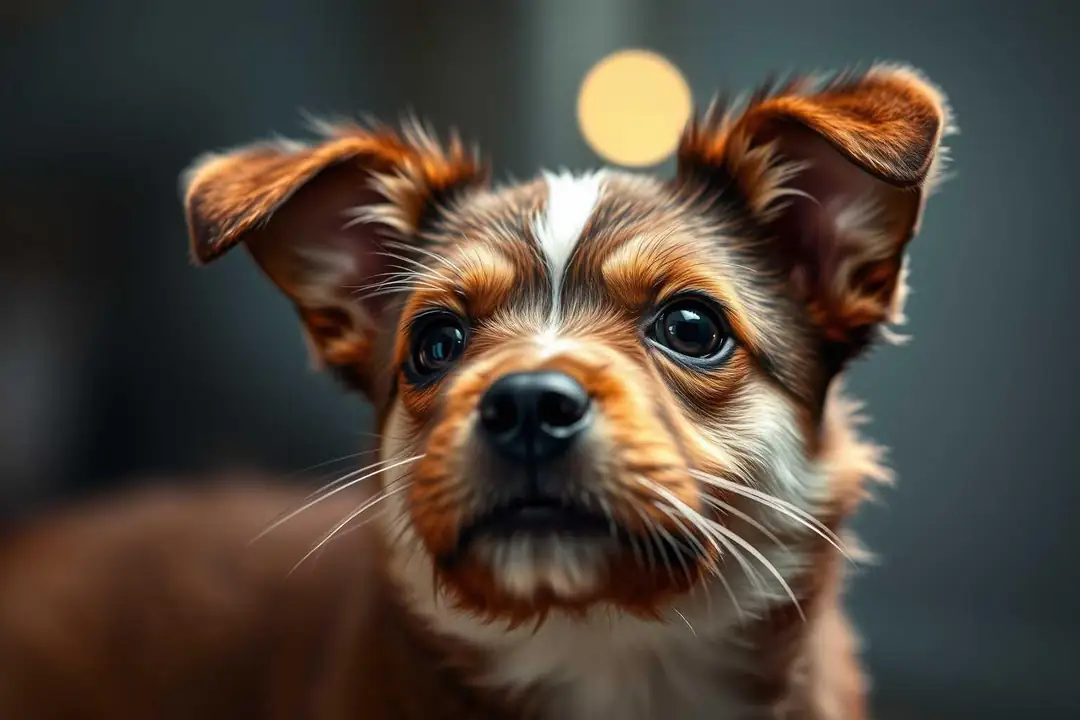
Sure, for personal packs. Keep it to people who agreed to it. Animal photos are the easiest, honestly — fur outlines cut well, and pets don't complain about being turned into a sticker.
How many stickers should a pack have?
WhatsApp lets you add up to 30 per pack; Telegram has no hard cap but packs under 20 feel thin. Aim for 8–16 for a first pack, and you can grow it later.
What about animated stickers?
That is a different format (WebP with a fixed frame count for Telegram, and WhatsApp animated stickers use their own spec). The simple photo-to-sticker path above is for static PNGs. Don't mix the two in one pack.
Can I test a sticker pack before sharing it?
Yes. WhatsApp lets you preview the pack before you save it; Telegram shows the pack page with a preview too. Make one test sticker first, import it, look at how it renders on dark and light chat backgrounds, then build the rest.
If you want a fast route with no cleanup work, StickerFromPhoto (https://createstickerfromphoto.com/) does the cutout and pack export for you — upload a photo, get a ready-to-import pack.