What Is the Best Image Format for Digital Stickers? PNG vs JPG
PNG, JPG, or WebP for digital stickers? A practical breakdown of transparency, compression, and compatibility so you pick the right export format.
The short answer
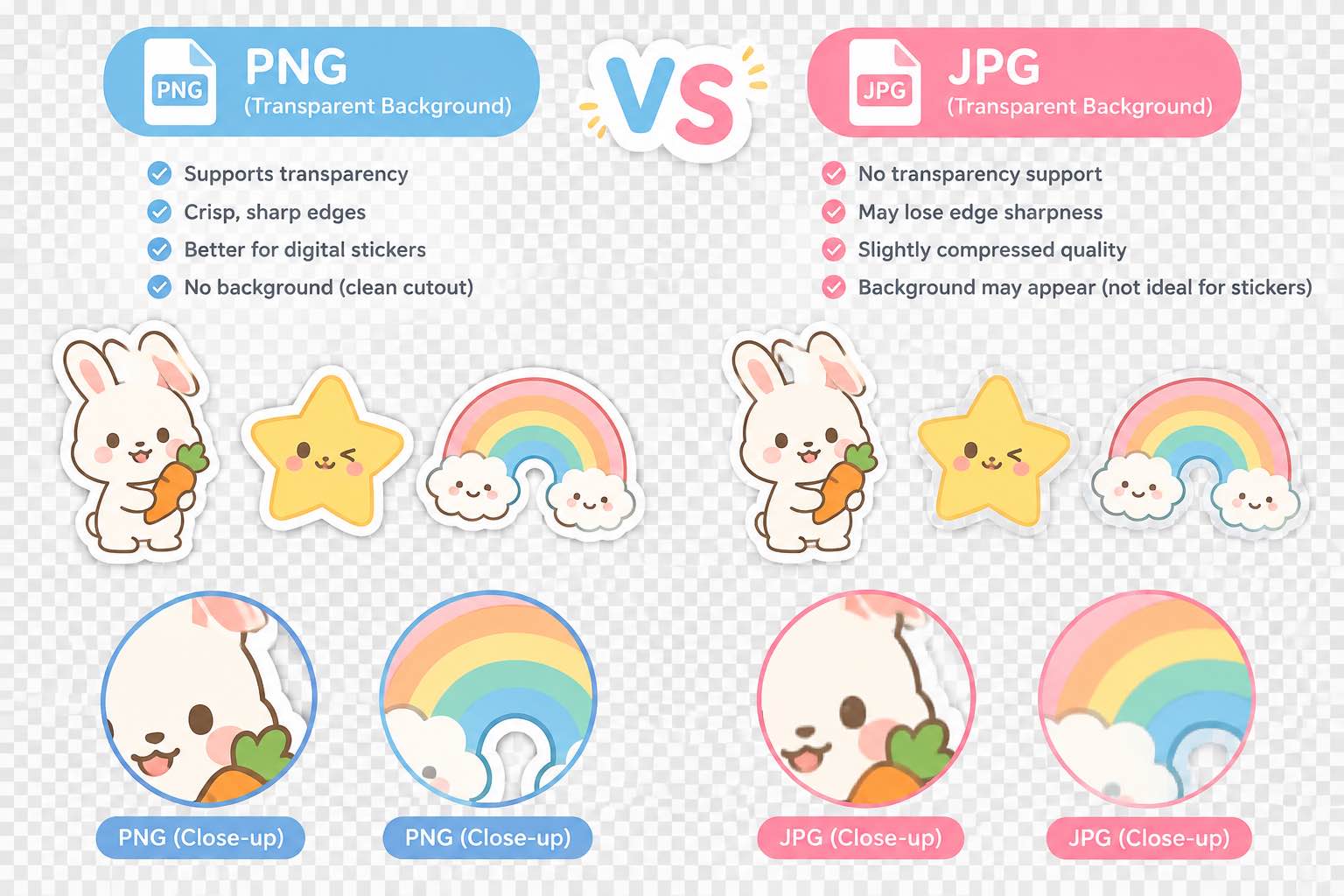
For digital stickers, PNG is the default choice. It supports transparent backgrounds, handles clean edges well, and works everywhere. JPG doesn't do transparency at all. WebP saves space but loses support on older apps and some messaging platforms. If you're exporting stickers for download, stick with PNG.
Why transparency matters
A sticker looks like a sticker because it sits on top of whatever background it's placed on. If the image has a white box around it, that's not a sticker — that's a photo with a border. JPG can't store transparent pixels, so any sticker exported as JPG will come with a solid background baked in. You don't want that.
PNG handles alpha channels cleanly. The transparent areas stay transparent across apps, devices, and platforms. This is the single biggest reason PNG wins for digital stickers.
Compression and file size
PNG is lossless, which means files can get larger than JPG. For stickers, that's usually fine — most sticker images are small graphics, not photographs. A typical sticker PNG runs 50-200KB, which loads instantly anywhere.
WebP offers smaller files with transparency support, but compatibility is spotty. Some messaging apps, older browsers, and sticker makers don't render WebP properly. Unless you're specifically optimizing for a platform that supports it, the savings aren't worth the risk of broken images.
When JPG is acceptable
If your sticker doesn't need transparency — say it's a square badge with a solid background — JPG works and saves space. But that's a narrow case. Most people making digital stickers want transparent backgrounds, which means PNG.
What about printing?
If you're sending stickers to a physical printer, they'll usually ask for PNG or TIFF. JPG compression introduces artifacts around edges, which shows up as fuzzy borders on printed vinyl or paper. PNG keeps the edges sharp, which is what you want when the sticker gets cut out.
The export habit I use
Export the master as a high-resolution PNG. If a platform specifically requires a different format, convert from the PNG rather than re-exporting from the source. That way you always have the clean lossless version as the starting point, and conversions never degrade the original.