Sticker vs Emoji: What Changes When You Make One From a Photo
An emoji is a character; a sticker is a file. That one difference changes rendering, file limits, print quality, editing, and who controls the design. A practical comparison for anyone making a photo sticker.
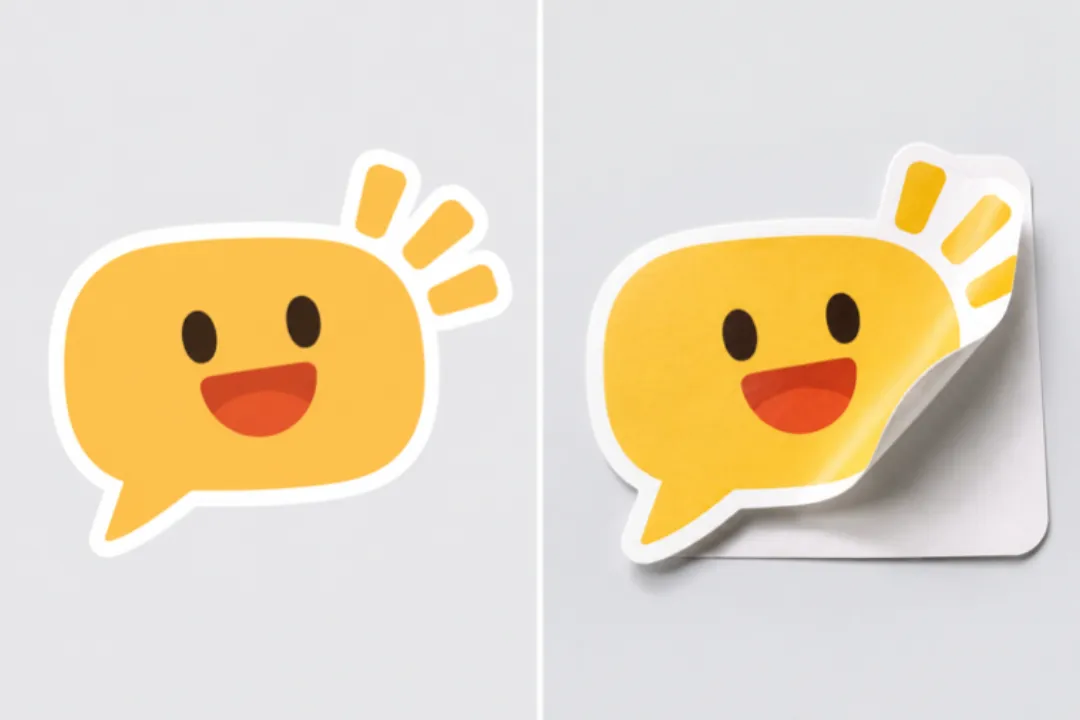
An emoji is a character. A sticker is a file. That sounds like a technicality until you try to put your own face in a chat and find out you cannot type yourself into a message.
Once you make a sticker from a photo, five things change: how it is stored, how it renders, where you can use it, how big you can make it, and who controls what it looks like. Here is what each one means in practice.
One is a character, the other is an image file
Emoji live in the Unicode standard. When you type U+1F600, the device looks up its own font and draws a smiling face. That is why the same emoji looks different on an iPhone, an Android phone, and a Windows laptop — three different glyph designs for one code point.
A sticker is a PNG or WebP file you supply. What you see is what everyone sees, because the image travels with the message. No font lookup, no platform variation.
That single difference explains most of the rest:
| Emoji | Photo sticker | |
|---|---|---|
| Storage | One Unicode code point, a few bytes | A file, typically 20–100 KB |
| Rendering | Platform font decides the look | Identical everywhere |
| Content | Fixed character set | Any image you make |
| Text entry | Typed inline with words | Sent as its own message |
| Editing | None | Redesign the file and resend |
| Printing | Poor — small raster or vector glyph | Good — controlled resolution |
What changes when the subject is a real photo
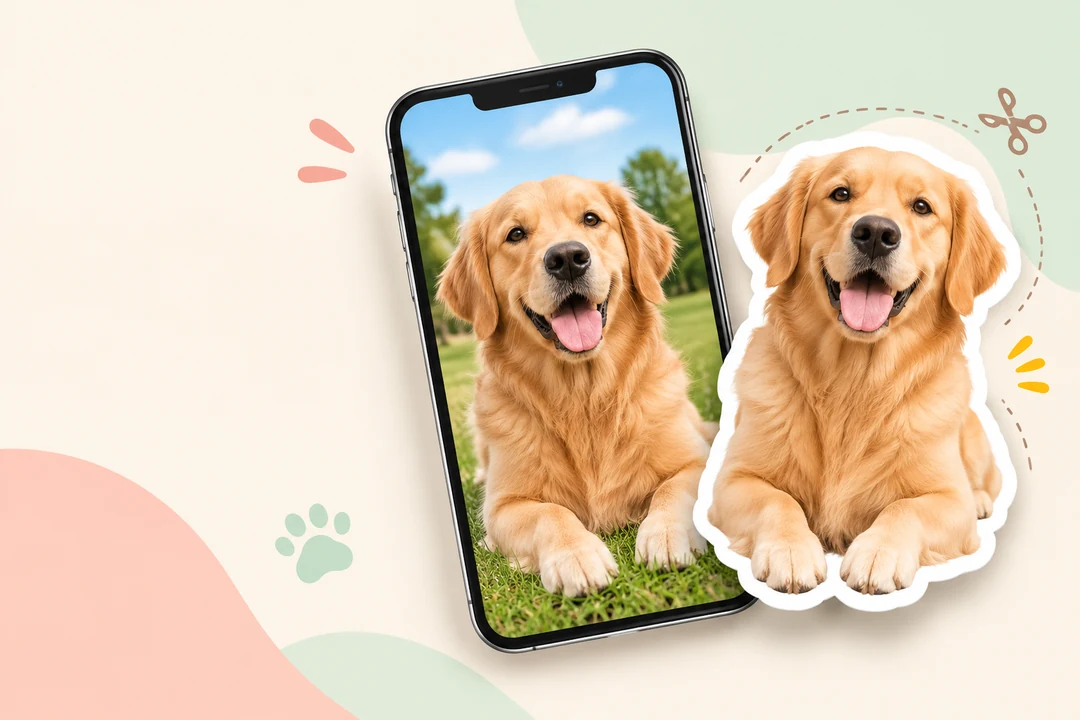
Emoji are generic on purpose: a smiling face, a coffee cup, a thumbs up. They cannot be you, your dog, your product, or your team. A photo sticker fills exactly that gap, and it introduces three new problems that emoji never had.
Background removal becomes the whole design
An emoji has a transparent silhouette by definition. A photo does not. Everything about how good the sticker looks comes down to whether the cutout edge is clean — around hair, glasses, fur, a product's curved rim. Get that wrong and the sticker looks like a rectangle with an obvious edit.
This is also why phone photos beat screenshots: a subject against a plain wall gives the mask something to work with, while a screenshot of a person in a busy scene gives it noise.
Size and file limits are real
Chat platforms impose their own specs. WhatsApp stickers are 512 × 512 WebP and must stay under 100 KB. Telegram static stickers are 512 × 512 PNG or WebP, up to 512 KB. Check the current documentation before exporting, because these numbers have changed over time and the upload will simply fail if you exceed them.
Emoji never has this problem — it is a character, not a payload. But it also cannot be printed at 50mm without looking soft, while a properly exported sticker can.
Consistency is your job now
The emoji set is designed as a family: same line weight, same shading, same visual language. Your stickers are whatever you export them as. Make ten stickers one at a time and you get ten slightly different outline weights, shadows, and crops. That is the most common reason a homemade sticker pack looks amateur.
Where emoji still wins
It would be dishonest to frame this as a replacement. Emoji do several things better:
- Inline in text. An emoji sits inside a sentence. A sticker is always a separate message, which interrupts the flow.
- Zero cost and zero effort. No shooting, no cutting, no file-size math.
- Universal meaning. A thumbs up is understood by everyone. A custom sticker of your own face needs context.
- Accessibility. Emoji carry alt text and screen-reader names. A sticker's meaning depends entirely on how it is described, if at all.
For quick reactions inside a conversation, emoji are simply faster. Stickers are for personality, identity, and brand — the cases where a generic face is the wrong answer.
Where a photo sticker wins
- Recognition. A sticker of your actual product or pet is instantly identifiable; there is no ambiguity about who it represents.
- Reuse across surfaces. The same file works in chat, printed on packaging, as an avatar, on a laptop lid. Emoji cannot leave the screen.
- Brand control. You decide the outline, the color, the expression. Nothing is left to a platform's font update.
- Emotional specificity. "My dog looking guilty" is a message no emoji set contains.
Making one that does not look like a bad crop
Four decisions do most of the work:
- Shoot against a plain background. The mask needs contrast to find an edge. A light wall behind a dark subject is ideal; a cluttered room is not.
- Choose the outline for the destination. A thick white outline reads well in a chat list at 96px. A thin outline looks refined at print size but vanishes in a small chat bubble.
- Keep the composition centered and tight. Stickers are displayed in a square. Off-center crops get cut awkwardly by the platform's preview.
- Export once, reuse everywhere. Make a 512 × 512 version for chat platforms and keep a 1080 × 1080 original for print and social. Do not upscale the chat version later.
A sticker pack is a design system, not a folder of images
The gap between a good pack and a random collection is not artistic talent. It is whether anyone wrote down the rules.
Emoji sets are designed as a family for a reason: 3,000 characters with 3,000 different line weights would look like noise in a message. Your pack has the same problem at a smaller scale. Six stickers with six different outline thicknesses read as six unrelated images.
Three decisions lock a pack together:
- One outline weight and color. Pick the setting that survives the smallest display size and use it for every sticker in the set.
- One crop rule. Either every subject is centered with equal margins, or every subject runs to the bottom edge. Never mix both.
- One expression range. A pack that covers "happy, tired, annoyed, excited" gets used. A pack of eight variations of "happy" gets used once.
Write the three rules somewhere you will find them next month. This is the same reason the branded sticker workflow insists on fixed numbers: settings drift the moment nobody is checking.
Naming matters more than it seems. Stickers are found by scrolling and by search in some apps. A file named IMG_2931.png is invisible; a file named dog-guilty.png can be found a year later when you want to add a matching expression.
Practical differences between chat platforms
The file you export is not equally welcome everywhere.
- WhatsApp uses 512 × 512 WebP stickers under 100 KB. The tight size limit means flat colors compress better than photos with heavy gradients; a busy photographic background will either look blocky or exceed the limit.
- Telegram accepts 512 × 512 PNG or WebP up to 512 KB, so it tolerates more photographic detail. It also supports animated and video stickers, which is a different production pipeline entirely.
- iMessage stickers are app-based and sized differently; they live inside an iMessage app rather than a chat-wide sticker tray.
- Print has no fixed pixel requirement, only a resolution one. A 512 × 512 file printed at 40mm is roughly 325 DPI and fine; printed at 100mm it is 130 DPI and visibly soft.
The practical takeaway: keep a high-resolution master file and export platform versions from it. Never upscale a WhatsApp export to print size — the artifacts are already baked in.
When a sticker makes the message worse
Stickers are loud. A message that is 80% stickers reads as noise, and in a customer service context it can read as unserious.
- Replacing words that carry information. "Your order ships Tuesday" cannot become a sticker. The sticker can follow the sentence; it cannot replace it.
- Repeating the same sticker. The fifth use of the same image in one thread stops being emphasis and starts being a glitch.
- Ambiguous expressions. A sticker showing a neutral face can read as cold, sarcastic, or confused depending on the reader. Emoji escape this because their meaning is conventional.
- Accessibility. A screen reader announces emoji by name. A sticker's meaning has to be carried by the surrounding text, so do not let the sticker be the only content of a message that matters.
Used well, a sticker does one thing an emoji cannot: it proves a specific human or a specific product was there. That is worth the extra minute of production — as long as you keep it to one per message and let the text do the work.
FAQ
Can I use a sticker where I would use an emoji?
In most chat apps, yes — but it will be sent as a separate message rather than inline text. Some apps support stickers on message reactions; check the specific platform.
Will my sticker look the same on every phone?
Yes. It is an image file, so the rendering is identical. Only the app's display size and cropping may differ.
Do stickers need a transparent background?
For chat platforms, yes — a white box behind the subject looks like a broken image. For printing on white vinyl, a transparent background is optional but keeps the outline clean.
What size should I export?
512 × 512 for WhatsApp and Telegram, 1080 × 1080 for general use and print. Start from the largest source photo you have.
Can I turn an emoji into a sticker?
You can screenshot one, but the result is low resolution and technically a copy of someone else's glyph design. Making a sticker from your own photo avoids both problems.
Why does my sticker look jagged on the edges?
The mask worked on a low-contrast edge. Reshoot against a contrasting background or increase the outline thickness slightly to cover the rough pixels.
Pick the tool that matches the message
If you want a reaction inside a sentence, use an emoji. If you want the message to be unmistakably yours, make a sticker from a photo. The workflow takes about a minute: upload, remove the background, set an outline, add optional text, export.
For the platform-specific specs, see the WhatsApp sticker guide; for packaging and print, the transparent PNG guide covers what printers expect.